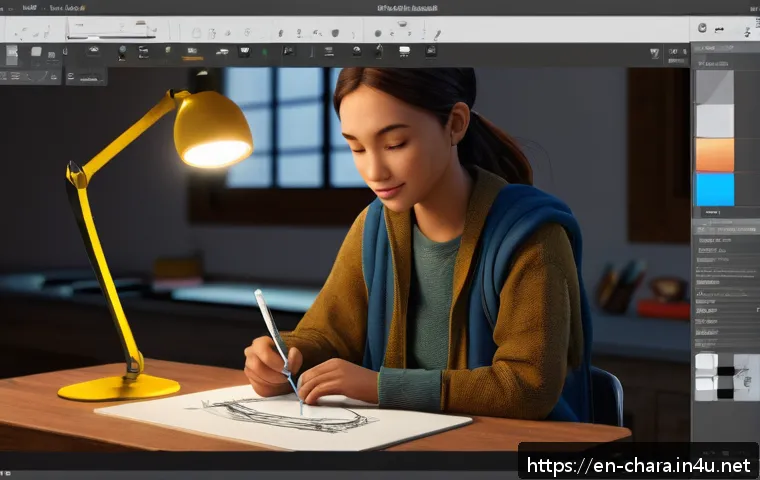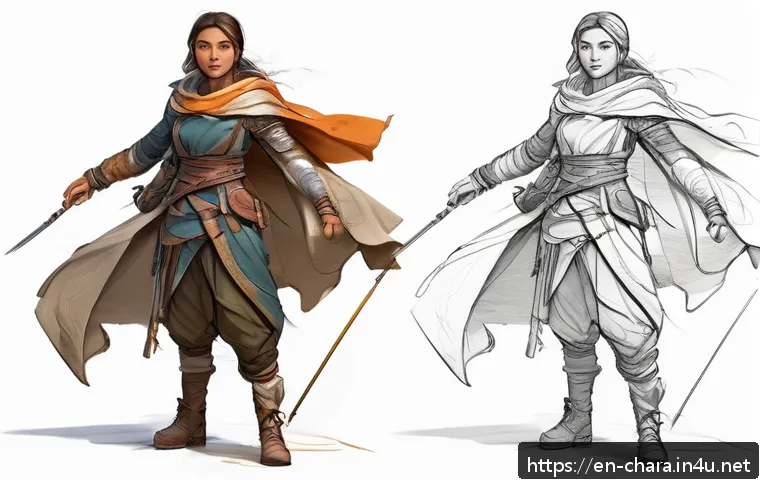
In today’s fast-evolving creative landscape, mastering the tools behind character design is more important than ever. Whether you’re a hobbyist sketching in your notebook or an aspiring digital artist bringing characters to life on a tablet, understanding each step can transform your work.

With new software updates and digital techniques emerging regularly, staying ahead means blending traditional skills with modern technology. I’ve personally found that diving deep into both sketching fundamentals and digital artistry unlocks endless creative possibilities.
Let’s explore how you can elevate your character design journey from simple sketches to polished digital masterpieces.
Unlocking the Power of Sketching: The First Step to Great Characters
Embracing Imperfection in Early Sketches
When I first started character design, I used to obsess over every line being perfect right from the start. But what I quickly learned is that those initial sketches are meant to be rough and exploratory.
Letting go of perfection early on actually frees your creativity. I often sketch multiple quick poses or expressions without worrying about details. This approach lets you discover the character’s personality naturally.
Plus, sketching loosely means you’re not afraid to experiment or erase lines, which is crucial for finding unique traits that bring characters to life.
Using Gesture Drawing to Capture Movement
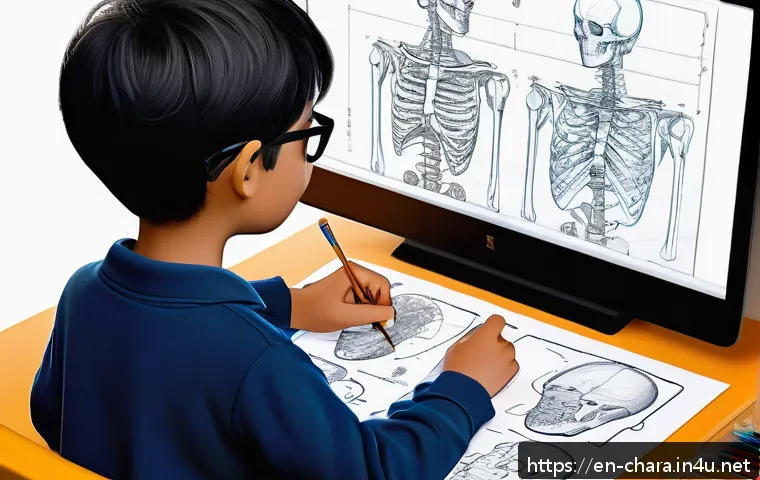
Gesture drawing isn’t just for anatomy studies; it’s a fantastic way to infuse life into your character designs. When I incorporate dynamic gestures, even simple stick figures, I notice my characters start to tell a story through their posture and flow.
It’s all about capturing the essence of movement and emotion quickly. Doing this regularly has helped me break out of stiff, static poses that feel lifeless.
Gesture sketches serve as a blueprint for more detailed work, ensuring the final design feels alive and believable.
Tools That Enhance Traditional Sketching
While pencil and paper remain timeless tools, I’ve found integrating digital sketching tools early on can massively boost efficiency. Apps like Procreate or Clip Studio Paint offer brushes that mimic traditional pencils and charcoal, which makes the transition from paper to screen smoother.
These tools allow layering, undo options, and easy adjustments without losing the organic feel of hand-drawn lines. For anyone diving into character design, combining both worlds—traditional and digital—creates a workflow that’s flexible and forgiving, perfect for refining ideas before committing to final details.
Color Theory and Mood: Painting Your Characters’ Souls
Choosing a Palette That Reflects Personality
Color isn’t just decoration—it’s an emotional language. When I design characters, I pick colors that resonate with their backstory or traits. For example, warm tones like reds and oranges suggest energy or aggression, while cool blues and greens often convey calmness or mystery.
Sometimes I experiment with unexpected combinations to make a character stand out or evoke complex emotions. Understanding color theory basics, such as complementary and analogous colors, helps me create palettes that feel cohesive yet vibrant.
Lighting Effects to Enhance Depth
Adding lighting to your character designs transforms flat images into three-dimensional forms. I like to think of lighting as storytelling—it guides the viewer’s eye and sets the atmosphere.
Soft, diffused light creates gentle moods, while harsh shadows add drama and intensity. Playing with rim lights or colored highlights can also emphasize personality or environment, like a warm glow for a friendly character or eerie blue light for something supernatural.
Lighting techniques, when mastered, elevate your art from simple illustrations to immersive visuals.
Balancing Saturation and Contrast
One tricky aspect I’ve encountered is balancing saturation and contrast. Overly saturated colors can overwhelm the viewer, while dull colors might make the character forgettable.
I try to strike a middle ground by using vibrant colors for focal points—like eyes or accessories—and muted tones elsewhere. Contrast between light and dark areas also helps in defining shapes and adding visual interest.
Adjusting these elements carefully ensures your character pops off the canvas without clashing or looking flat.
Mastering Digital Tools: Beyond the Basics
Layer Management for Complex Designs
One feature I can’t live without in digital art is layer management. When building characters, I separate elements like line art, base colors, shading, and highlights into different layers.
This organization allows me to tweak parts independently without ruining the whole piece. For example, if I want to change a character’s hair color, I just adjust that layer instead of redrawing everything.
Learning shortcuts to group, lock, and merge layers speeds up my workflow tremendously and reduces frustration during revisions.
Custom Brushes and Textures to Add Character
The default brushes in drawing software are fine, but creating or downloading custom brushes adds a unique touch to your designs. I often use textured brushes that mimic natural media like watercolor or pencil grain, giving my digital characters an organic feel.
Textures can simulate fabric patterns, skin details, or environmental effects, making the design richer and more believable. Experimenting with brush settings like opacity, flow, and scatter helps me find the perfect stroke that matches the character’s style.
Utilizing Reference and 3D Models
Using references is a game changer. I keep a collection of photos, poses, and even 3D models to study anatomy and clothing folds. Sometimes I import 3D models into my software to rotate and observe from different angles.
This practice has saved me countless hours guessing proportions or lighting. It also boosts confidence, knowing your character is grounded in reality even if it’s a fantasy creation.
Incorporating references doesn’t limit creativity—it enhances it by providing a solid foundation to build upon.
Effective Workflow Strategies for Consistency and Speed
Planning with Thumbnails and Storyboards
Before diving into detailed character design, I start with thumbnail sketches—tiny, simplified versions of the concept. This step helps me quickly explore different silhouettes, poses, and compositions without getting bogged down in detail.
Thumbnails act as a visual brainstorming session that guides the direction of the final design. For projects involving storytelling, creating storyboards around the character’s actions helps maintain consistency in personality and movement throughout a series or animation.
Time Management and Setting Milestones
One challenge I faced early on was spending too much time perfecting one character at the expense of the whole project. Setting clear time limits and milestones changed that.
I allocate specific blocks for sketching, coloring, and refining, which keeps me focused and productive. Breaking the process into manageable chunks prevents burnout and helps track progress visually.
It’s amazing how much smoother the creative flow becomes when you respect your own deadlines.
Feedback Loops and Iterative Improvement
Getting feedback can feel intimidating, but it’s crucial for growth. I share my work with peers or online communities to get fresh perspectives. Sometimes, I realize flaws or opportunities that I missed because I was too close to the piece.
Iterative improvement—making adjustments based on constructive criticism—elevates the design quality significantly. It’s a cycle of learning that builds both skill and confidence.
I’ve found that the more open I am to feedback, the faster my character designs evolve.
Typography and Branding: Beyond the Character
Incorporating Text Elements Creatively
Characters often live within a larger visual context, like game menus, comics, or promotional materials. I’ve learned that typography can complement or clash with character design.
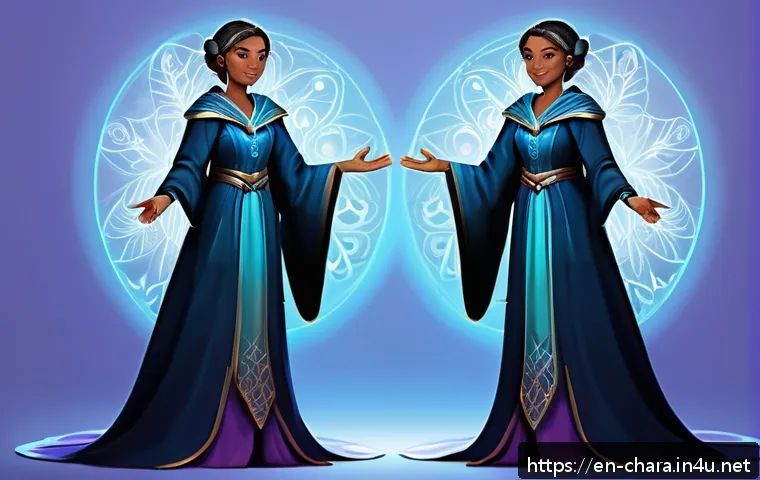
Choosing fonts that reflect the character’s personality or story adds depth to the overall presentation. For example, a quirky character might pair well with hand-drawn, playful fonts, while a serious hero fits bold, clean typefaces.
Playing with text placement and style alongside your character creates a unified, memorable design.
Creating Cohesive Brand Identities
When designing characters for brands or franchises, consistency is key. I work to align the character’s style, colors, and mood with the brand’s identity.
This might mean simplifying details for easy reproduction or ensuring the character appeals to the target audience. A strong brand character becomes instantly recognizable and can drive marketing success.
Understanding the balance between creative freedom and brand guidelines is a skill I developed over time, especially when collaborating with clients or teams.
Using Mood Boards to Guide Visual Direction
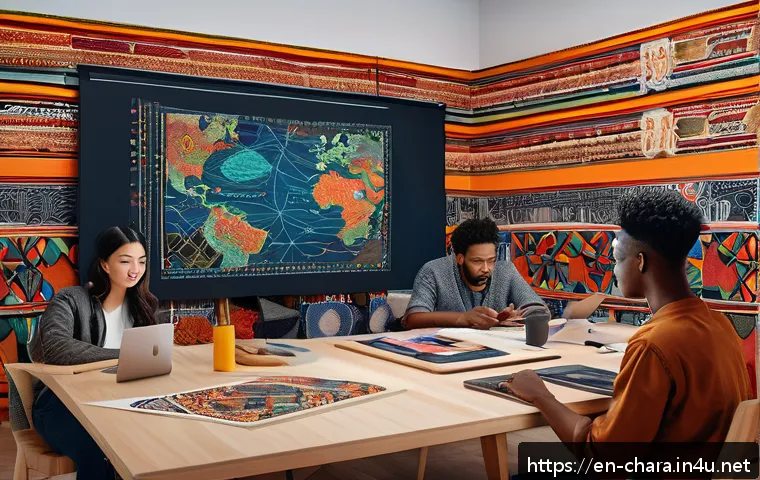
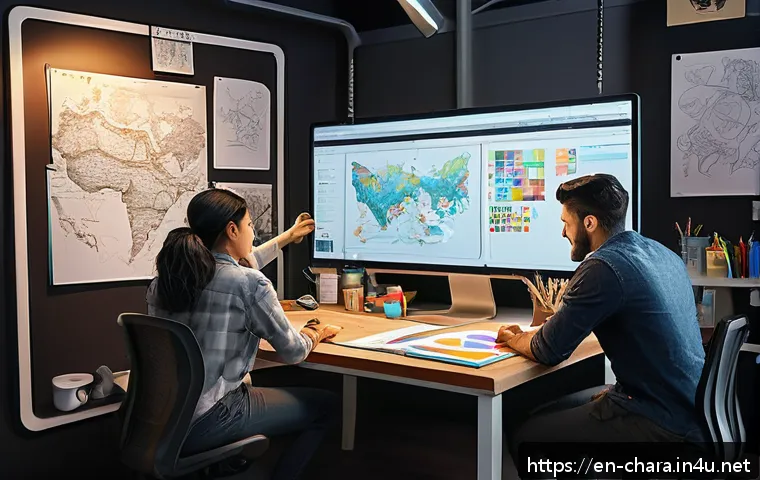
Mood boards are a fantastic tool I use to gather inspiration and set the visual tone before creating a character. They include colors, textures, poses, and even unrelated images that evoke a feeling or style I want to capture.
This visual reference keeps the design process focused and cohesive. It also helps communicate ideas clearly to collaborators or clients. Mood boards are especially useful when juggling multiple characters or projects, ensuring each design fits the intended narrative and aesthetic.
Bringing Characters to Life: Animation and Expression
Exploring Facial Expressions and Emotions
A character’s face is the window to their soul, and mastering expressions can make or break their appeal. I spend a lot of time practicing subtle changes in eyebrow position, mouth shapes, and eye focus to convey emotions convincingly.
It’s fascinating how slight tweaks can shift a character from joyful to skeptical instantly. Animation principles like squash and stretch also apply here, adding fluidity and exaggeration that make expressions pop.
This attention to detail breathes life into static designs.
Animating Simple Movements for Personality
Even basic animations like blinking, breathing, or shifting weight can add immense personality. I’ve experimented with looping GIFs or short animations to test how my characters move.
This process reveals practical design issues, like joint placement or costume flexibility, that static images don’t show. Plus, it’s incredibly satisfying to see your creation move and react naturally.
Incorporating animation early helps refine the design and prepares characters for dynamic storytelling in games or videos.
Using Animation Software and Plugins
Learning software like Spine, Adobe Animate, or Toon Boom has opened up new avenues for me. These programs offer rigging tools and plugins that simplify complex animations, letting you focus on creativity rather than technical hurdles.
For instance, automatic lip-syncing or bone rigs speed up workflows dramatically. While there’s a learning curve, the payoff is huge if you want to bring your characters fully to life.
Combining design skills with animation knowledge makes you a versatile creator, ready for diverse projects.
Balancing Creativity and Commercial Viability
Adapting Designs for Different Media
Characters often need to fit various formats—from mobile games to merchandise packaging. I’ve learned to tweak designs for scalability and readability without losing essence.
Simplifying details for small screens or creating alternate color versions for print ensures your character looks great everywhere. Understanding these requirements early in the design process saves headaches later and increases marketability.
It’s a balancing act between artistic vision and practical constraints.
Protecting Your Work and Intellectual Property
As your character designs grow popular, protecting your rights becomes crucial. I’ve navigated copyright registration and watermarking my digital files to prevent unauthorized use.
It’s important to know the legal basics and consult professionals when necessary. Protecting your creations not only safeguards income but also builds your professional reputation.
Sharing work publicly requires caution, but proper measures let you showcase your talent confidently.
Monetizing Character Designs Effectively
Turning character design skills into income streams is a rewarding challenge. I’ve explored freelance commissions, selling assets on marketplaces, and creating Patreon content.
Each path demands different marketing and communication strategies. For example, offering customizable characters attracts game developers, while exclusive artwork appeals to collectors.
Building a brand around your designs—through social media, tutorials, or collaborations—amplifies visibility and revenue potential. Consistent quality and engagement are keys to long-term success.
| Tool/Technique | Purpose | Benefits | Personal Tip |
|---|---|---|---|
| Gesture Drawing | Capture dynamic poses and movement | Improves fluidity and expressiveness | Do quick 30-second sketches daily |
| Custom Digital Brushes | Add texture and unique strokes | Makes digital art feel organic | Create brushes that mimic your favorite traditional media |
| Layer Management | Organize different design elements | Allows easy edits and experimentation | Use color-coded groups for faster navigation |
| Mood Boards | Visual inspiration and direction | Keeps design focused and cohesive | Include both related and unrelated images for fresh ideas |
| Animation Software | Bring characters to life with movement | Reveals design flaws and adds personality | Start with simple loops like blinking or breathing |
In Conclusion
Mastering character design starts with embracing the freedom of sketching and evolves through thoughtful use of color, digital tools, and animation. Each step builds upon the last to create characters that are not only visually appealing but also full of personality and life. Remember, patience and practice are your best allies on this creative journey. Keep experimenting, stay open to feedback, and most importantly, enjoy bringing your characters to life.
Helpful Information to Keep in Mind
1. Sketching loosely in the early stages encourages creativity and helps uncover unique character traits without the pressure of perfection.
2. Using gesture drawing regularly improves the fluidity and expressiveness of your characters, making them feel more alive.
3. Combining traditional sketching with digital tools like Procreate or Clip Studio Paint offers flexibility and efficiency in refining your designs.
4. Building mood boards before starting a project helps maintain visual consistency and clearly communicates your creative direction.
5. Seeking constructive feedback and iterating on your designs accelerates growth and leads to stronger, more polished characters.
Key Takeaways
Successful character design balances artistic creativity with practical workflow strategies and technical skills. Embrace imperfection in your early sketches to unlock originality, use color and lighting intentionally to convey emotion, and leverage digital tools to streamline your process. Consistent planning, time management, and openness to feedback are essential for continuous improvement. Finally, understanding how to protect and monetize your creations ensures your work gains both recognition and value in the marketplace.
Frequently Asked Questions (FAQ) 📖
Q: What are the essential tools for someone starting with character design?
A: For beginners, the essentials usually include a good sketchbook, pencils, and erasers for traditional drawing, paired with a reliable digital tablet and software like Procreate or Adobe Photoshop.
Starting with simple tools allows you to focus on learning the basics of shapes and anatomy without getting overwhelmed. From my experience, investing in a mid-range tablet early on gave me the flexibility to experiment digitally without breaking the bank, which really helped bridge the gap between sketching and polished artwork.
Q: How do I effectively combine traditional sketching skills with digital techniques?
A: The key is to use traditional sketching to build your foundational understanding of form, gesture, and proportions. Once you have a solid sketch, scan or photograph it and import it into your digital software.
From there, you can refine lines, add colors, and experiment with textures. I found that keeping the spontaneity of pencil sketches while layering digital enhancements makes characters feel more dynamic and alive.
It’s all about letting each method complement the other rather than replacing one.
Q: What are some common challenges when transitioning from sketching to digital character design, and how can I overcome them?
A: One major challenge is getting comfortable with the digital interface and tools, which can feel intimidating at first. Another is losing the tactile feedback you get from pencil on paper.
To overcome this, start by replicating your usual sketching process digitally—use brush settings that mimic pencil strokes and take advantage of shortcut keys to speed up your workflow.
Personally, practicing daily digital sketches helped me build confidence and muscle memory, making the transition smoother and more enjoyable over time.